
Why Smart Marketers Pay Close Attention to YouTube Thumbnails — And How to Research Them Properly
The thumbnail still determines whether anyone watches the video in the first place. For marketers who work with video content regularly, thumbnails are far more than decorative images — they are a source of real, usable intelligence about what is working in a market and why.
Thumbnails Are Tiny Advertisements
The most useful way to think about a YouTube thumbnail from a marketing standpoint is to treat it exactly like an ad. It has a fraction of a second to communicate something, create interest, and produce an action — in this case, a click. The same principles that make a good display ad make a good thumbnail: clarity, visual hierarchy, an emotional trigger, and a clear reason to engage.
What makes thumbnails particularly interesting as a data source is that they are public, abundant, and their performance is measurable. A video with a million views and a strong click-through rate tells you something real about what resonated with an audience. The thumbnail was part of that equation.
Why Marketers Download Thumbnails
There are several distinct reasons this comes up in a professional marketing context — and they are all legitimate.
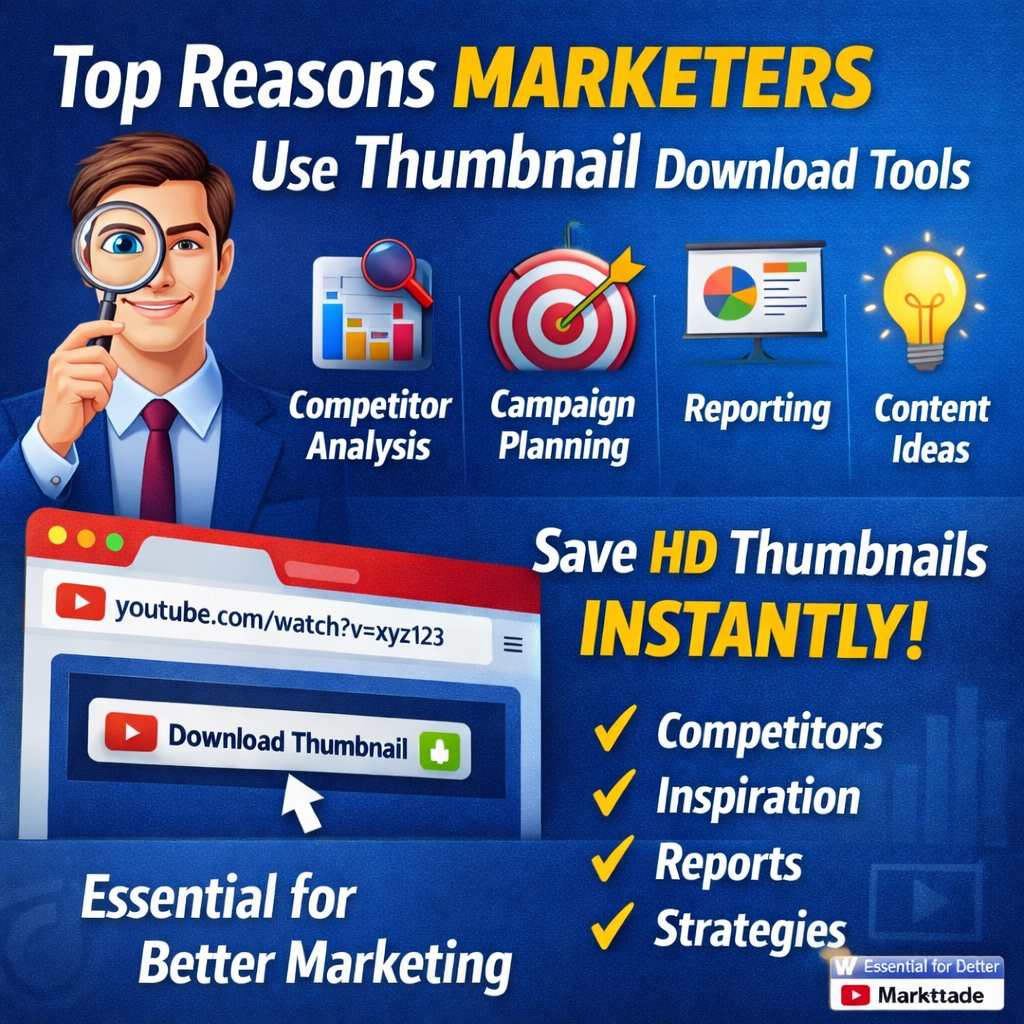
- Competitor research — Look at a brand's last fifty YouTube thumbnails and you will have a clear picture of their content strategy, their visual identity, and the audience signals they are responding to. That is genuinely valuable intelligence.
- Campaign planning and creative strategy — Studying what is performing well in your category gives you a starting point for visual direction. It is not about copying — it is about understanding the visual vocabulary your audience is already responding to.
- Reporting and client presentations — Concrete visual examples are far more persuasive than data alone. Pulling a thumbnail cleanly and quickly — without screenshotting and ending up with a blurry image — makes that work faster and the result more professional.
- Creative team training — A curated collection of real thumbnail examples is far more effective than a written brief when onboarding designers or briefing a creative team on what good looks like in a specific niche.
- Content ideation — Thumbnails can reveal gaps: topics that are not being covered, visual approaches that are not being used, audience questions that are not being answered.
The Problem With Trying to Do This Without the Right Tool
If you have tried to collect thumbnail references without a dedicated tool, you know the frustrations. A screenshot gets you a cropped, compressed version that is fine for a quick look but useless for anything that needs to be sharp. Trying to right-click and save an image directly from YouTube usually gets you something small and degraded — not the full-resolution version the creator uploaded.
- Images are often too blurry to examine properly
- Too small to use cleanly in a client presentation
- Inconsistent in quality because every source is slightly different
Understanding the Psychology Behind Thumbnails
For marketers interested in visual communication, thumbnails are an unusually accessible case study in applied psychology. The elements that make them work are not arbitrary — they are rooted in how people actually process visual information.
- Colour — Draws attention when it is bright and high-contrast, and communicates mood and brand associations simultaneously. A warm, energetic thumbnail reads differently to one that is dark and dramatic, even before you have registered what the image shows.
- Faces and expressions — Consistently outperform thumbnails without them. Humans are wired to pay attention to faces showing clear emotions. A look of genuine surprise, concern, or excitement triggers a response that draws the eye before conscious thought gets involved.
- Contrast and composition — A thumbnail with a clear focal point — one main subject, one main message, strong contrast between foreground and background — processes faster and more clearly than one where several elements compete for attention at once. Fast processing means the viewer gets the point before they have moved on.
Building a Practical Thumbnail Research Habit
For marketers who want to use this systematically rather than occasionally, a few habits make the research more useful over time.
- Set a regular cadence for collecting examples. Monthly is often enough — you are looking for trends, and trends do not change week to week. Pull the top-performing videos from key channels in your niche and save the thumbnails in an organised folder.
- Categorise what you save. Sort by approach — thumbnails that use faces, thumbnails that use text-led designs, thumbnails with a particular colour palette, thumbnails from a specific competitor. When you need a reference for a specific design problem, you want to find relevant examples quickly.
- Note the performance context where you can. A video with millions of recent views probably had a thumbnail doing its job. A video with very low views from an established channel may have underperformed. That context makes the reference more informative.
- Review your own thumbnails against the research. Every quarter, put your recent thumbnails next to the best examples from your research and ask honestly where the gap is. The point of collecting examples is to improve your own output.
What This Looks Like Going Forward
The competition for attention on YouTube is not going to ease off. More content is being published, audience expectations are rising, and platforms are giving more surface area to video across more contexts. In that environment, the difference between a thumbnail that performs and one that does not becomes more consequential, not less.
The tools to do that research properly are straightforward and free. The habit of using them consistently is what separates teams that improve from teams that wonder why their video performance is flat.
Download Any YouTube Thumbnail in Full Resolution
Free · No account required · Multiple resolution options · Results in seconds
YouTube Thumbnail Downloader →